 odette
Let Claude Code run. Keep the keys.
Claude Code is at its best when you let it work. Today that means choosing between approving every step and handing it your whole machine.
odette gives you a third way: Claude Code runs in a container, every connection and every command on your machine passes through a gate, and an AI judge waves the routine through, so only the requests that deserve a human reach you.
curl -fsSL https://getodette.io/install.sh | sh
Private preview: installing needs the gh CLI and access to kaizenize/odette.
One session, start to finish
Here's what working with odette looks like. You set it up once, and from then on it only asks for you when a request really needs a person.
- 01
Set up once
Pick an SSH key from your
ssh-agent, choose a dashboard password and log in to Claude. That SSH key matters: every secret odette stores is encrypted under a key derived from it.$ odette setup - 02
Start in any project
After that, starting a session is just running
odettein your project folder. The first launch builds the image, starts the background service and allows the hosts of your git remotes, so a GitHub project can reachgithub.comfrom the first minute without asking you.$ cd ~/code/my-project $ odette odette 0.x (docker) — session swift-otter | egress proxied | web https://localhost:7900/
- 03
The agent works. The container holds it.
Claude Code starts in plan mode with its own permission prompts turned off, because odette's gates take their place. Inside the container there is no route to the internet, and where your Claude token would be there's only a placeholder. When you quit, the container is gone, but the conversation is still there the next time you start.
containerClaude Code→odetteegress and command gates→outsideallowed hosts, your machine - 04
Every way out passes a gate
Whatever the agent does, the only ways out of the container run through odette. Every connection it opens goes through the network gate, whether it comes from a Bash command like
curlornpm installor from Claude's own WebFetch. When the work needs your machine, the agent asks the command gate, and odette runs the command as you, in your folder. That's howgit pushworks with no GitHub token inside the container. It's also why you should read a command before you allow it, since it runs outside the sandbox.A request that no rule covers is never just dropped. It waits for a decision, and if nobody answers within five minutes, it's denied.
Bash, WebFetchany connection→network gate→the internetthe host it asked forgit pushthe agent asks odette→command gate→your machineruns as you - 05
The judge clears the routine. You get the hard calls.
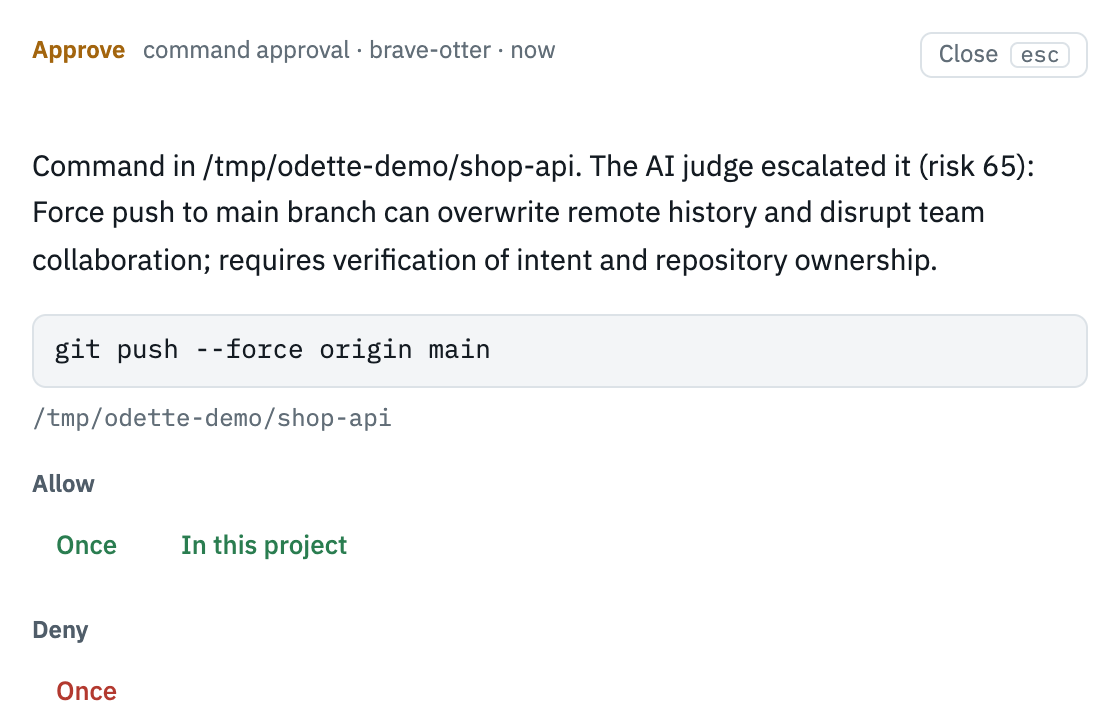
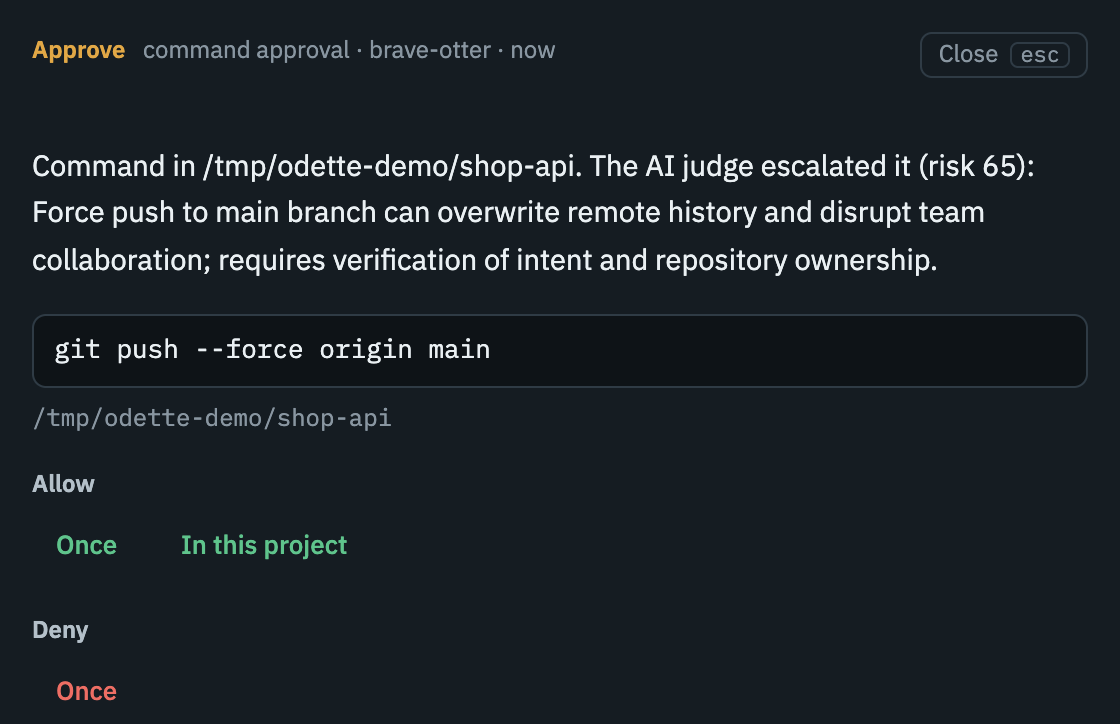
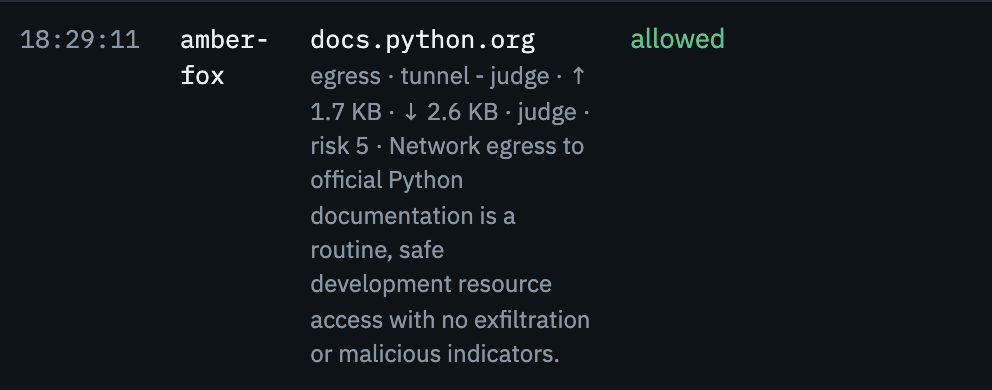
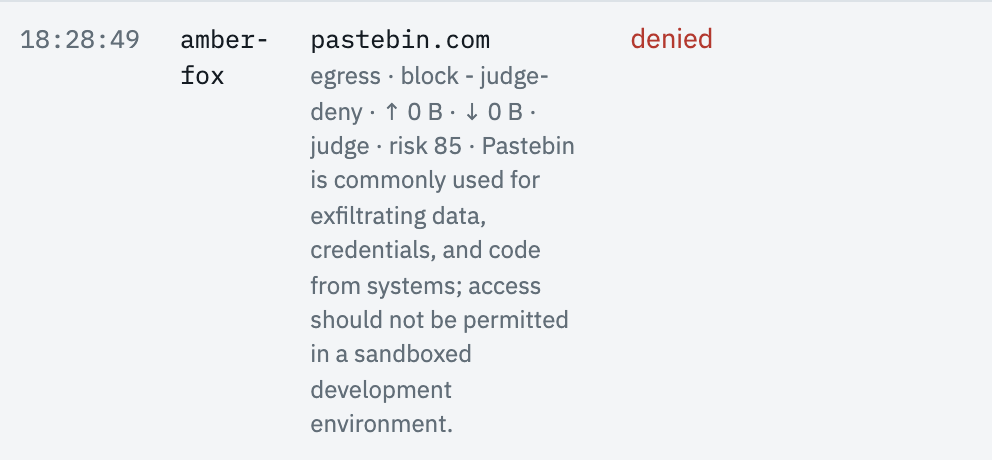
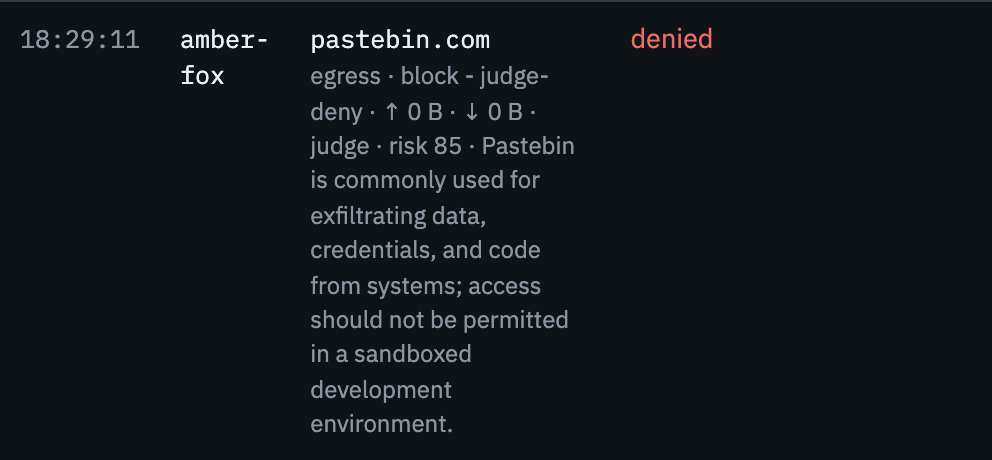
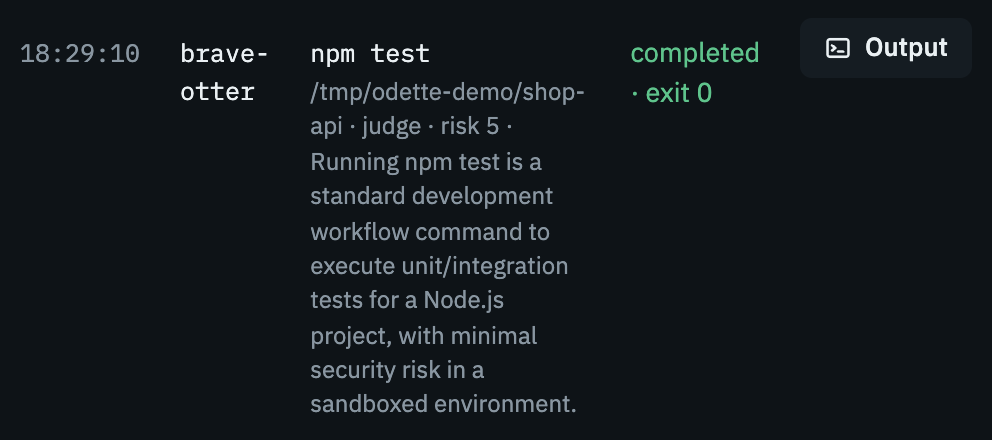
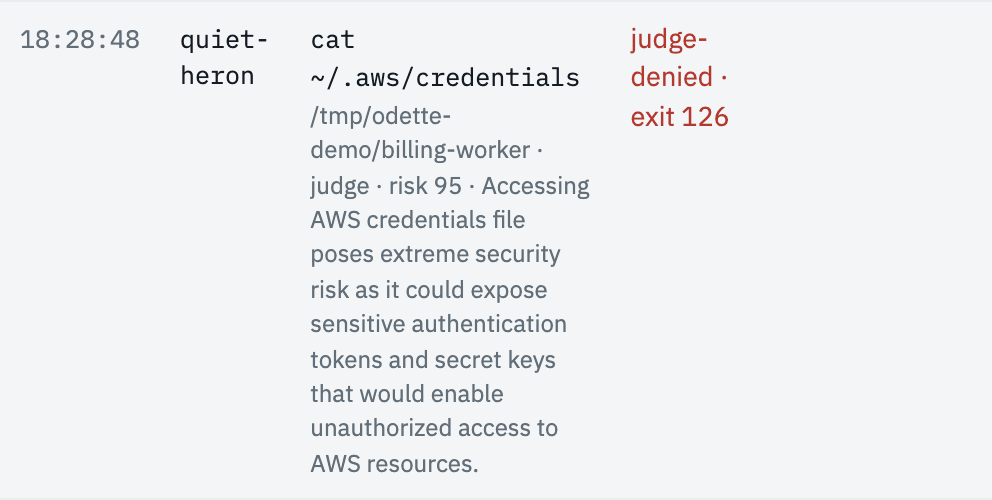
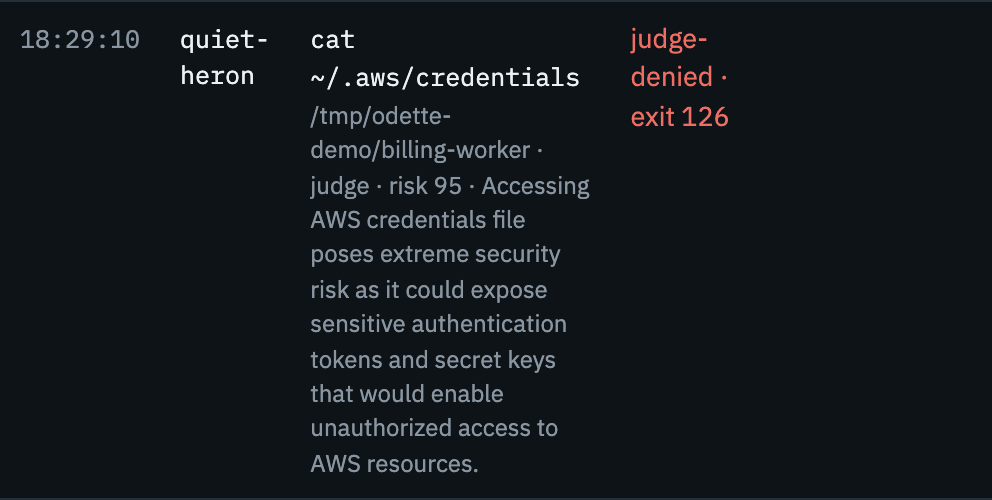
You don't have to make every one of those decisions yourself. Out of the box, an AI judge (Claude Haiku, unless you pick another model) answers every request no rule covers with a risk score and a reason, and when it refuses a command, Claude is told why. Below are real decisions it made, as your dashboard shows them.
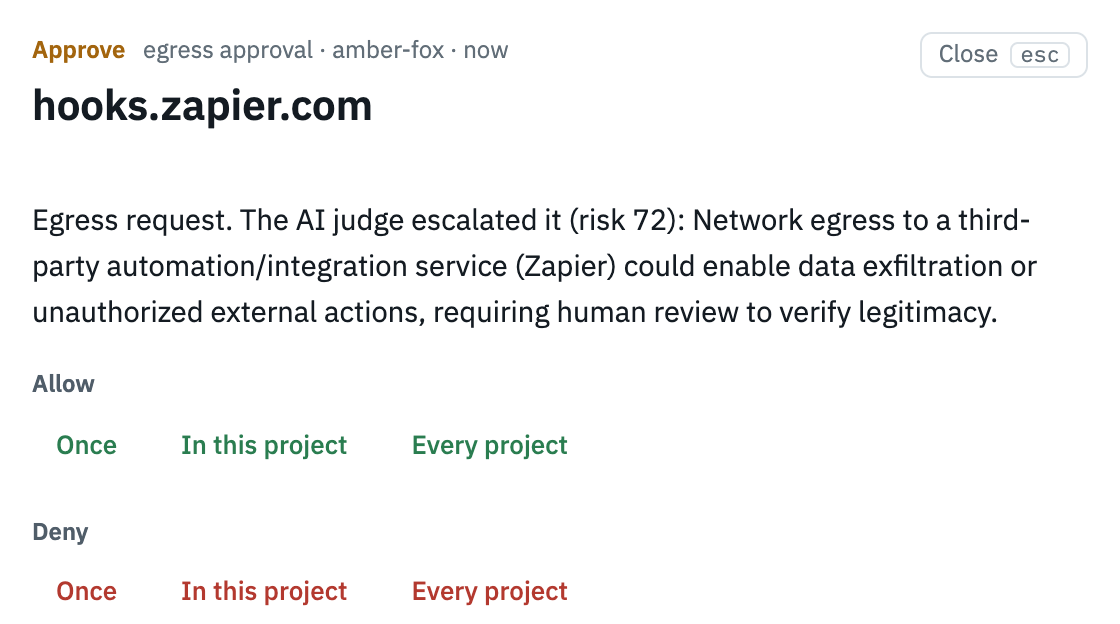
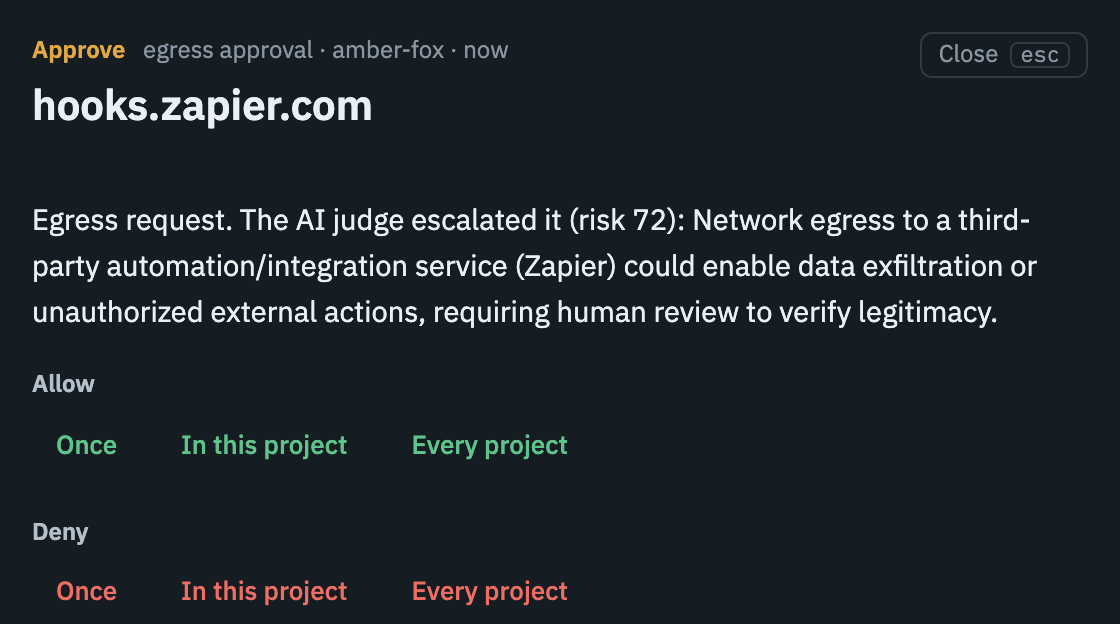
Whatever the judge isn't sure about lands in your dashboard. You can allow it once, deny it, or save a rule so the same request doesn't come back: a host rule for this project or every project, or a command rule for that exact command in that folder.
Network
Cleared by the judge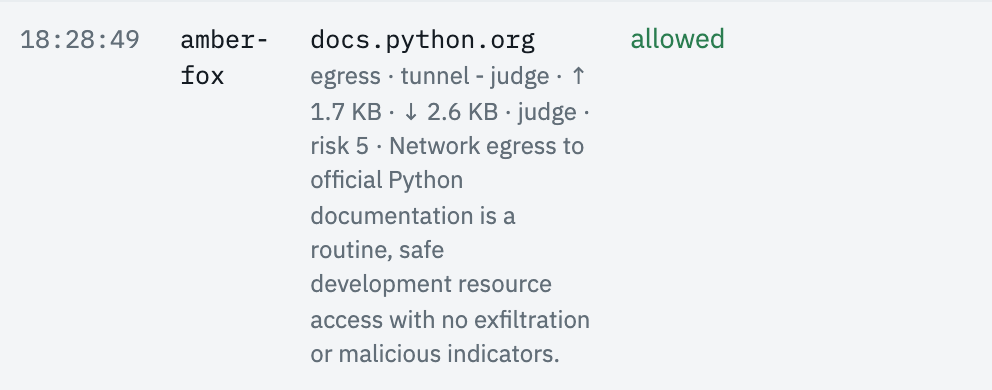
 Stopped by the judge
 Comes to you
Commands
Cleared by the judge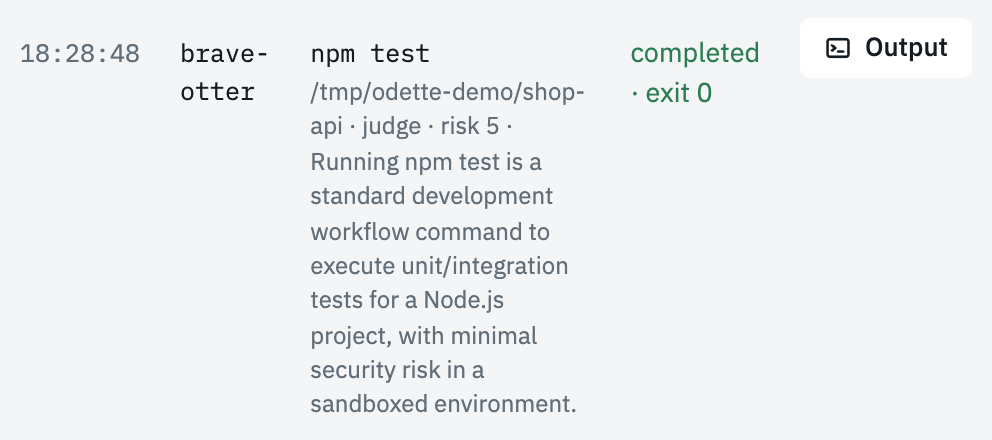
 Stopped by the judge
 Comes to you
See the dashboard
This is where those requests land: the real interface, with six demo sessions running. Pick a zone to look around.
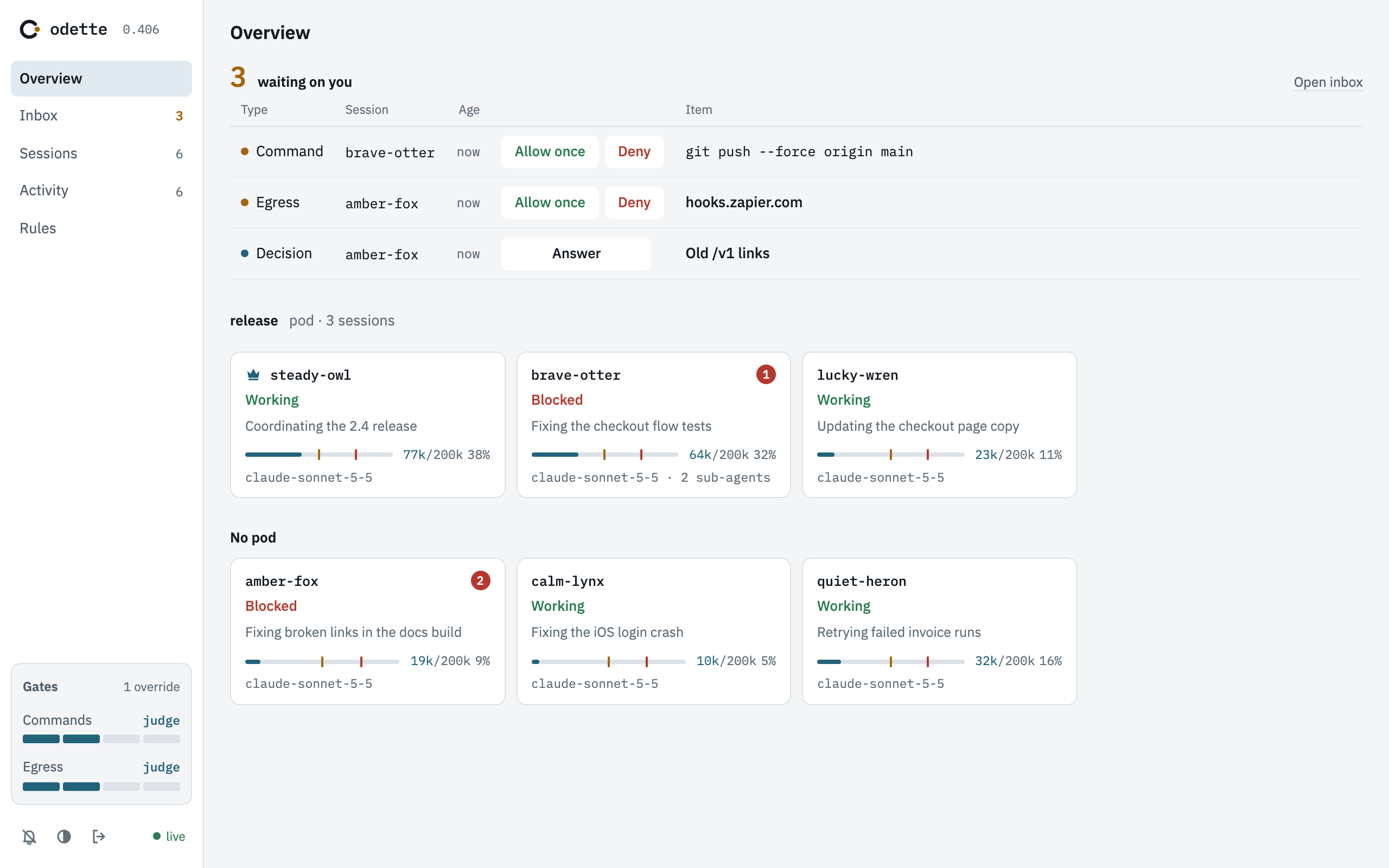
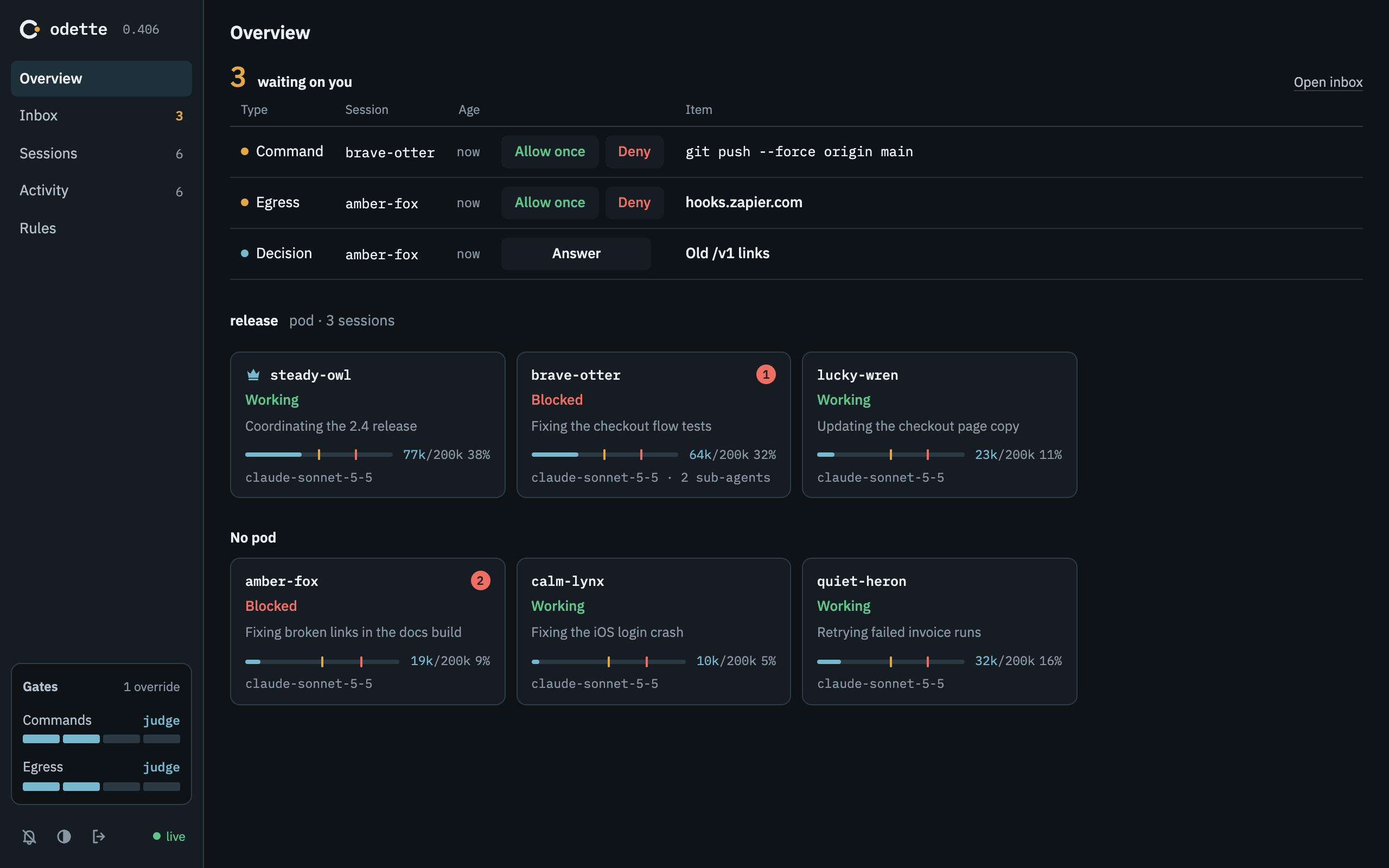
Overview
Everything waiting on you across sessions, and how much context each session has used.
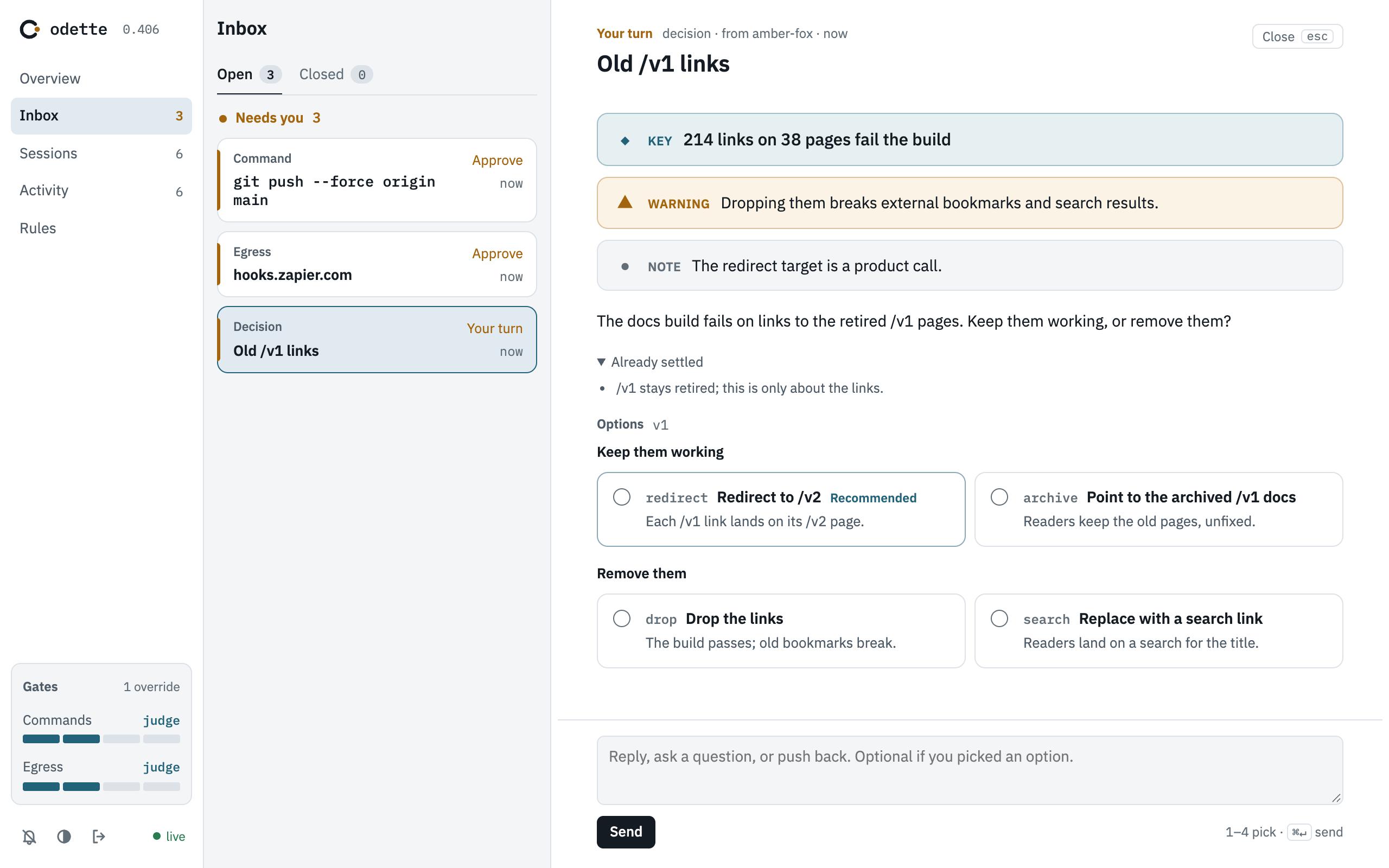
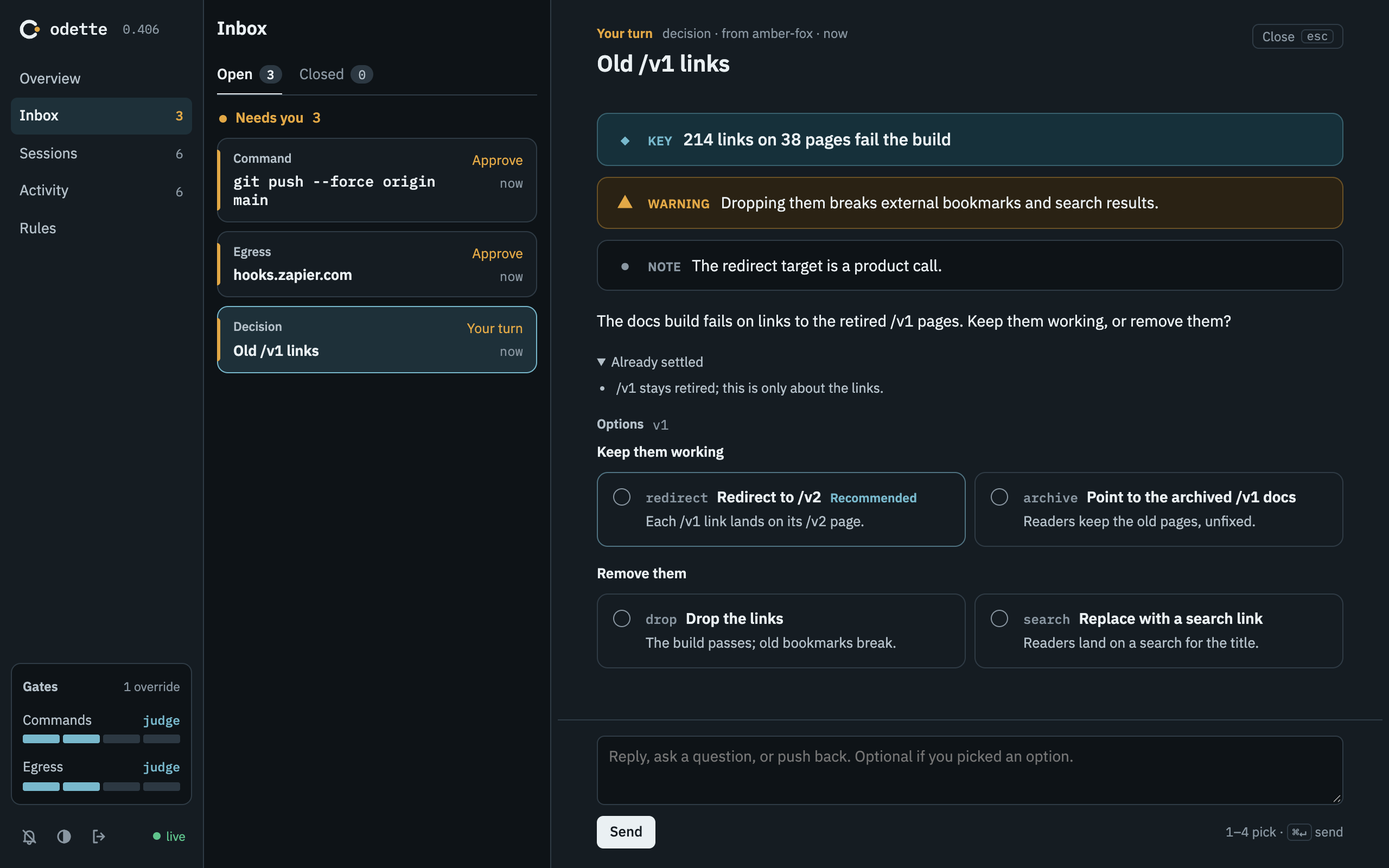
Inbox
An agent asks instead of guessing: options, its recommendation, and room to reply.
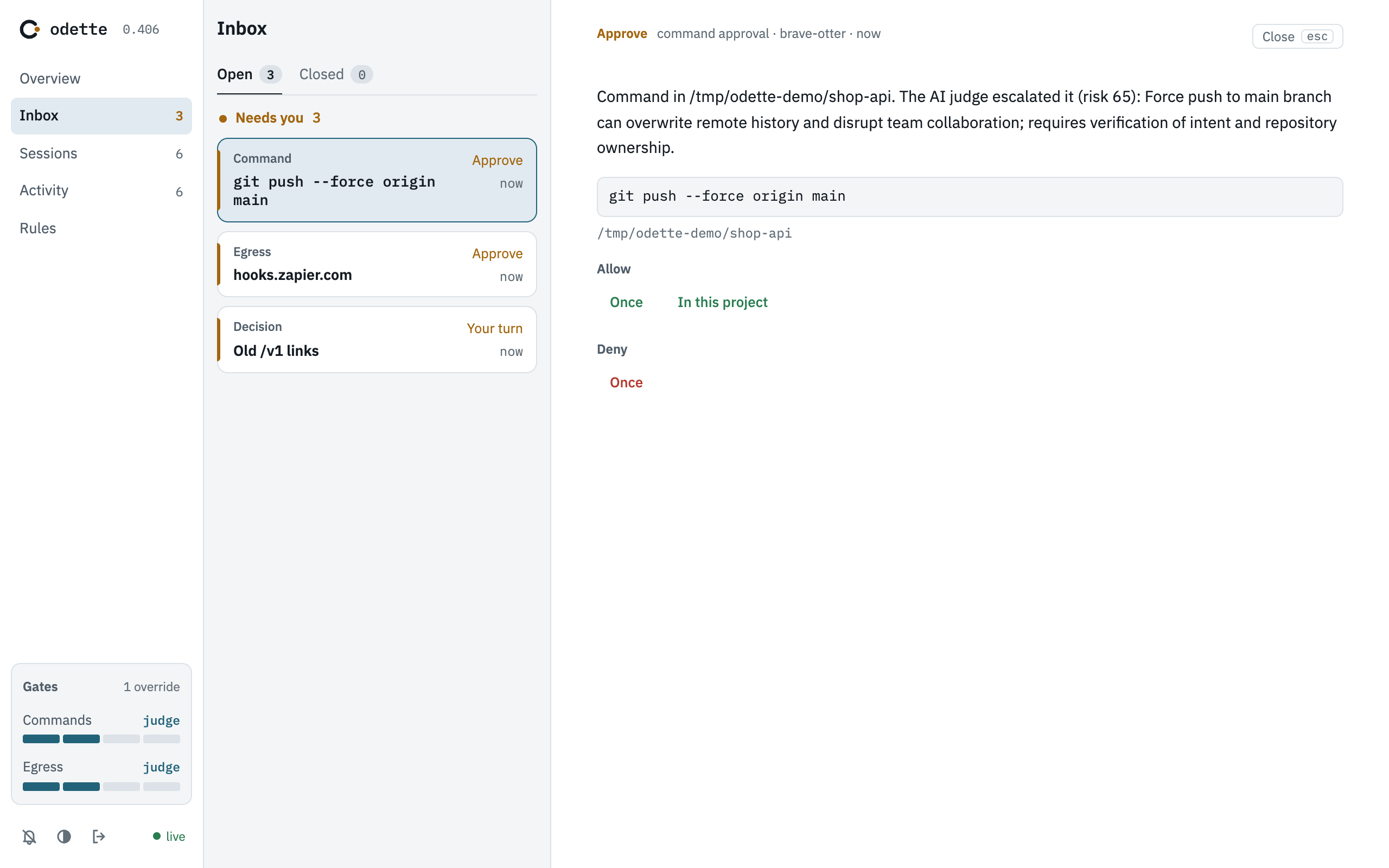
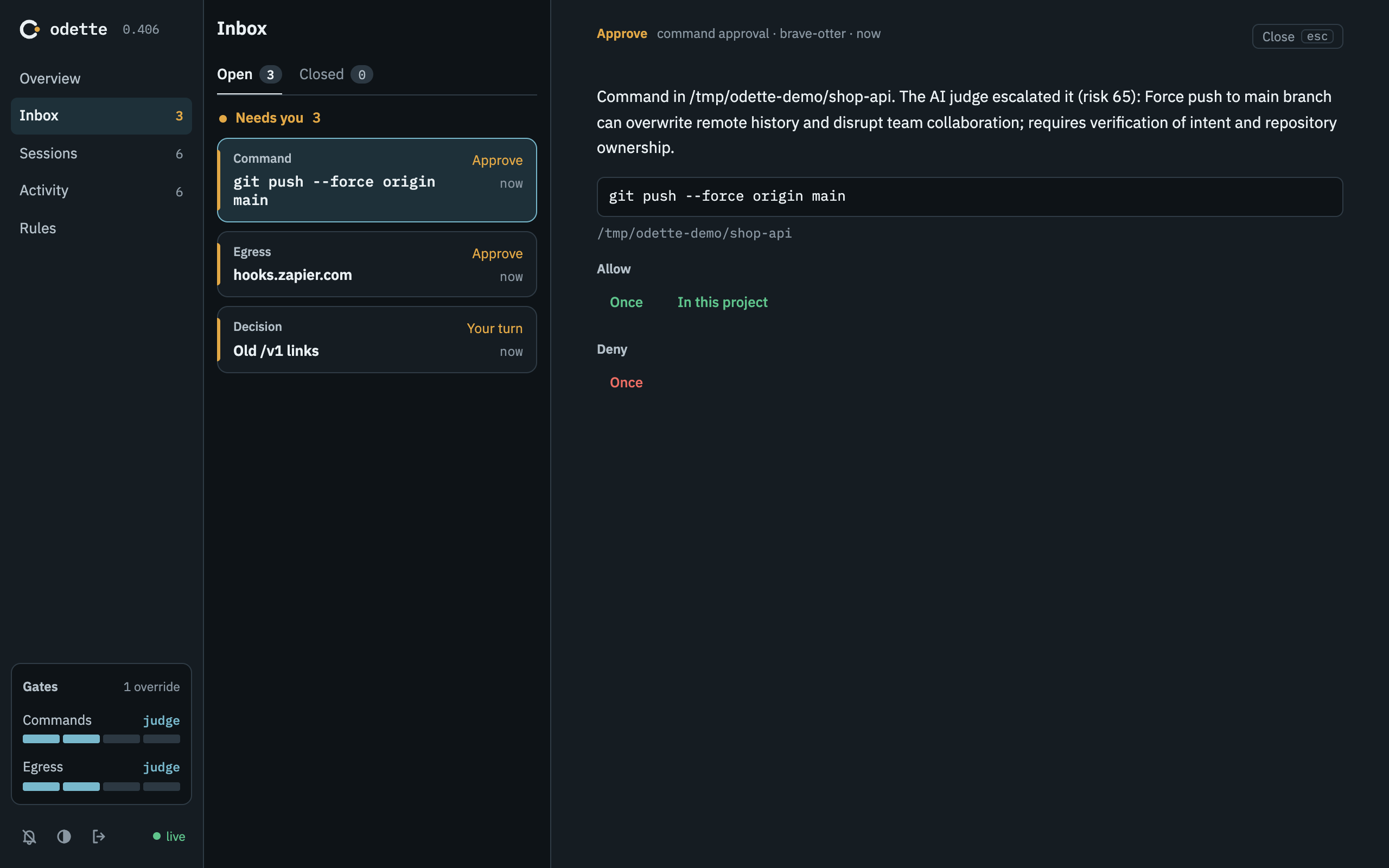
A command the judge sent to you, with its risk score and reason.
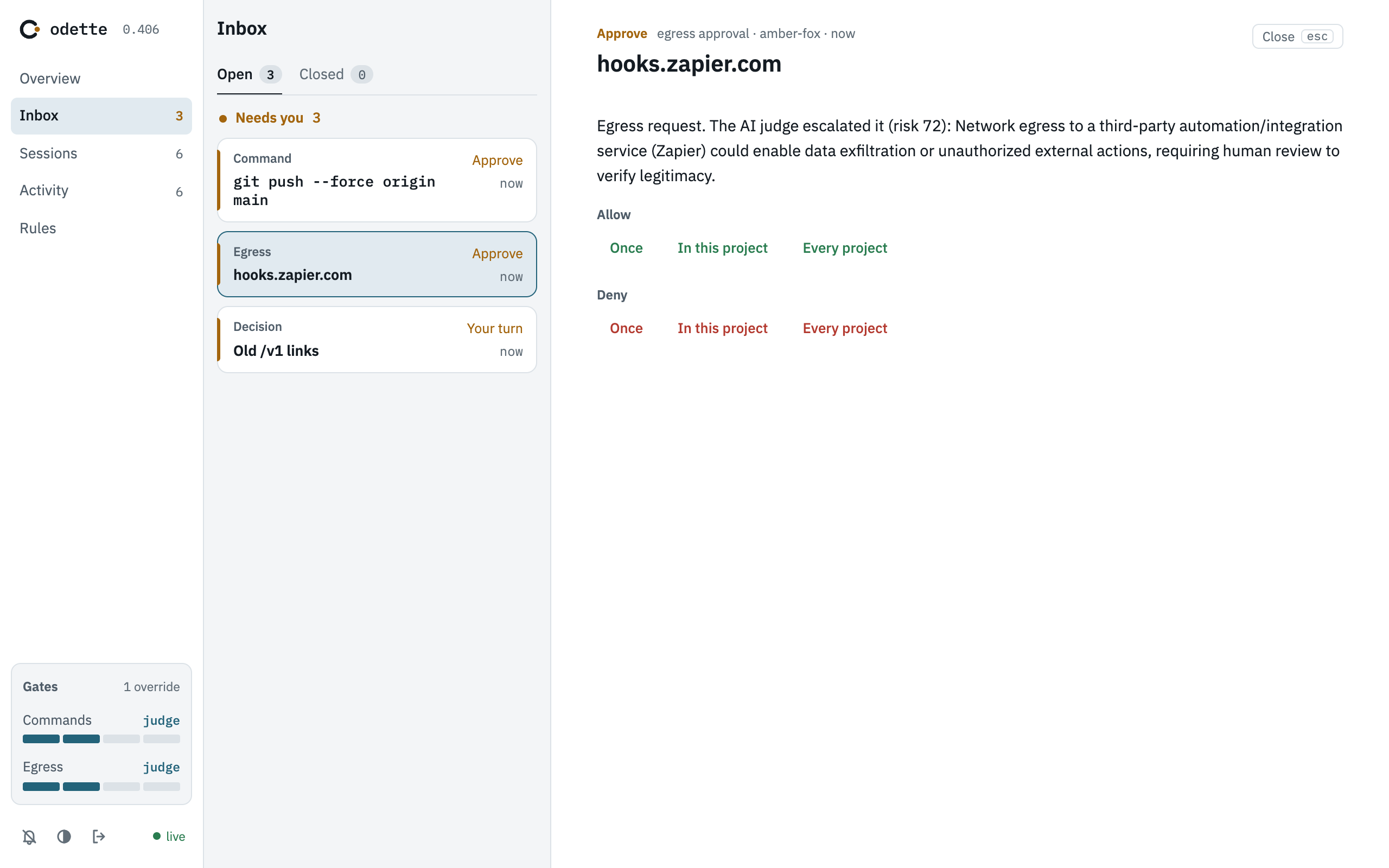
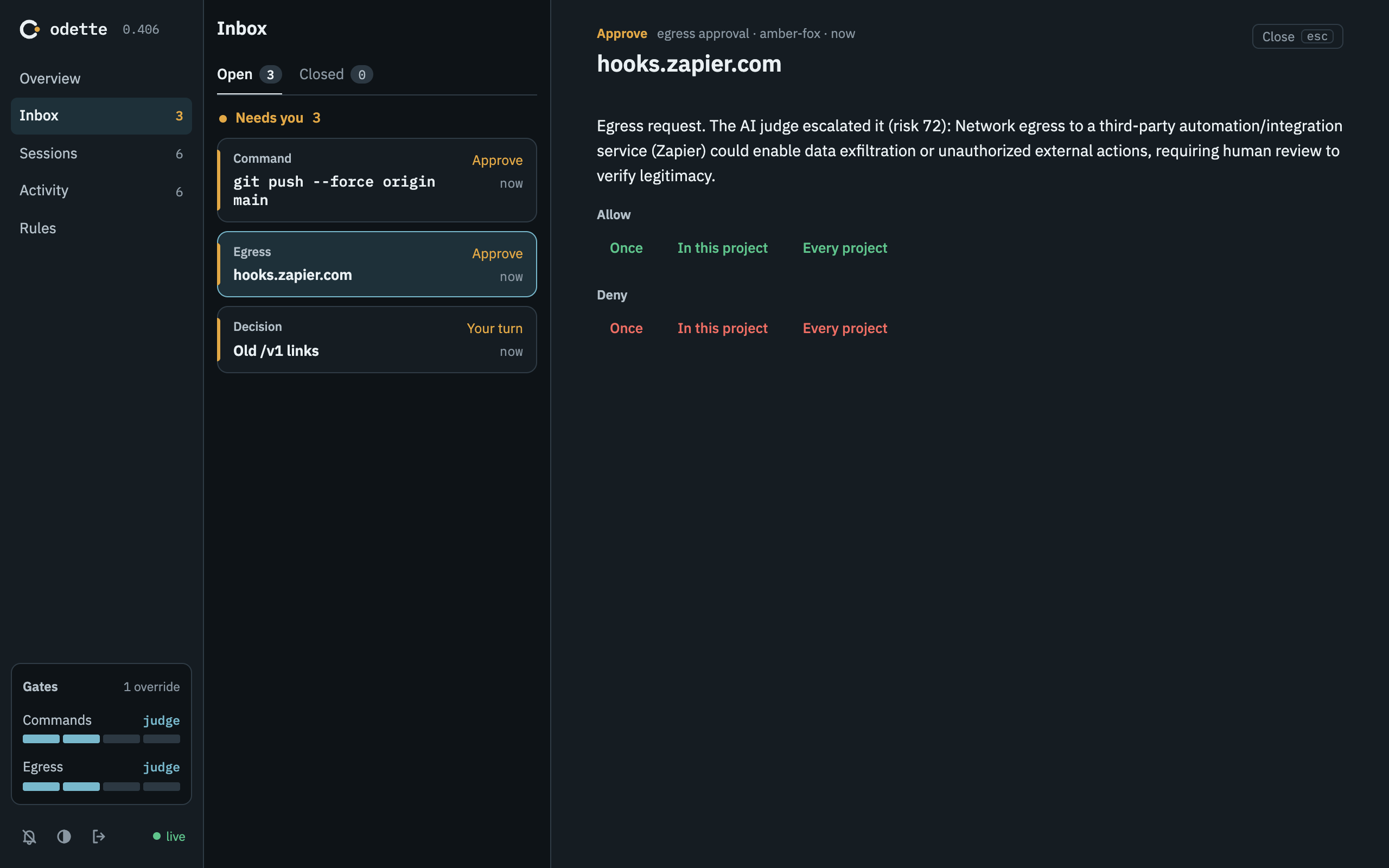
A connection the judge sent to you. Allow or deny it once, for this project or for every project.
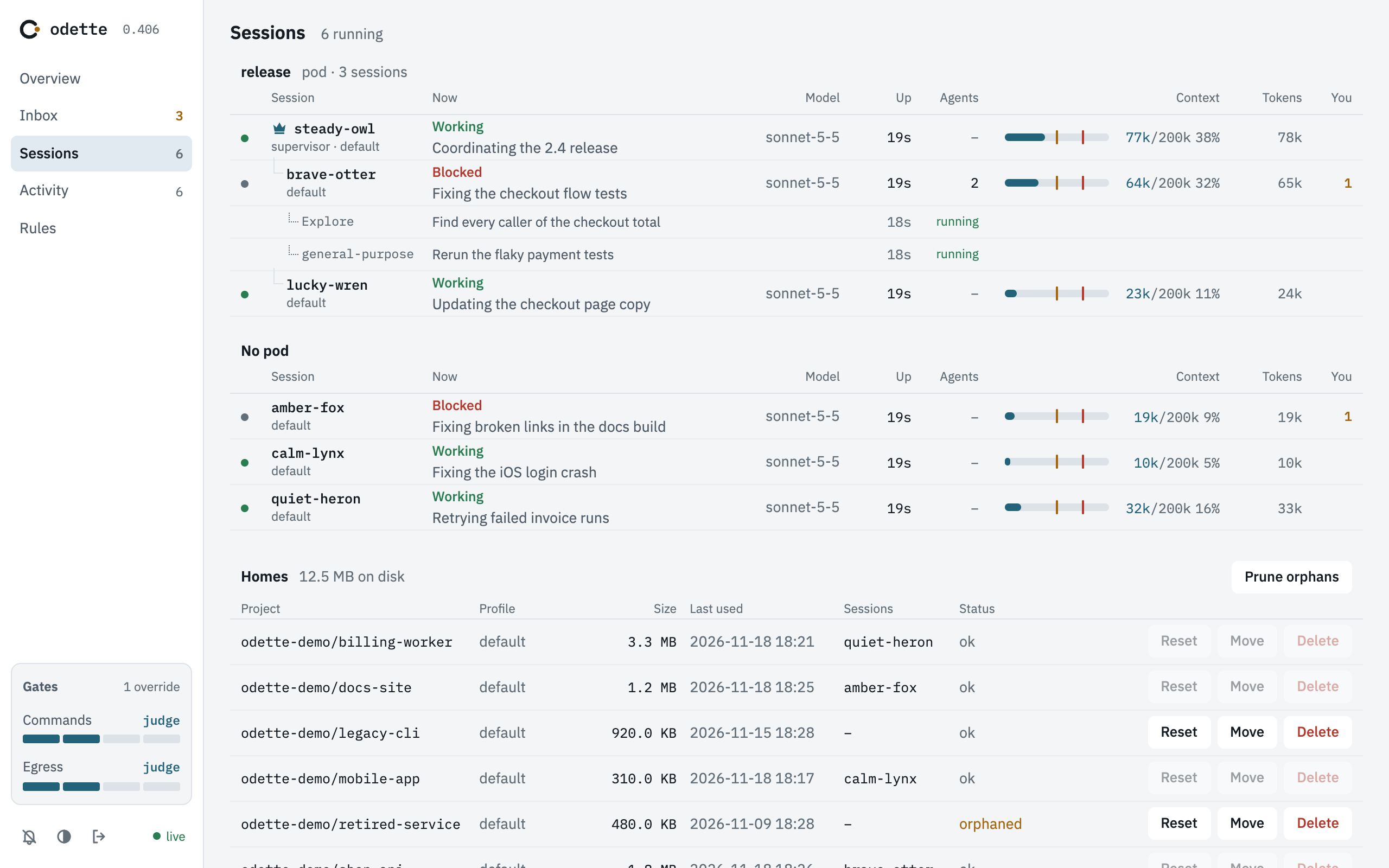
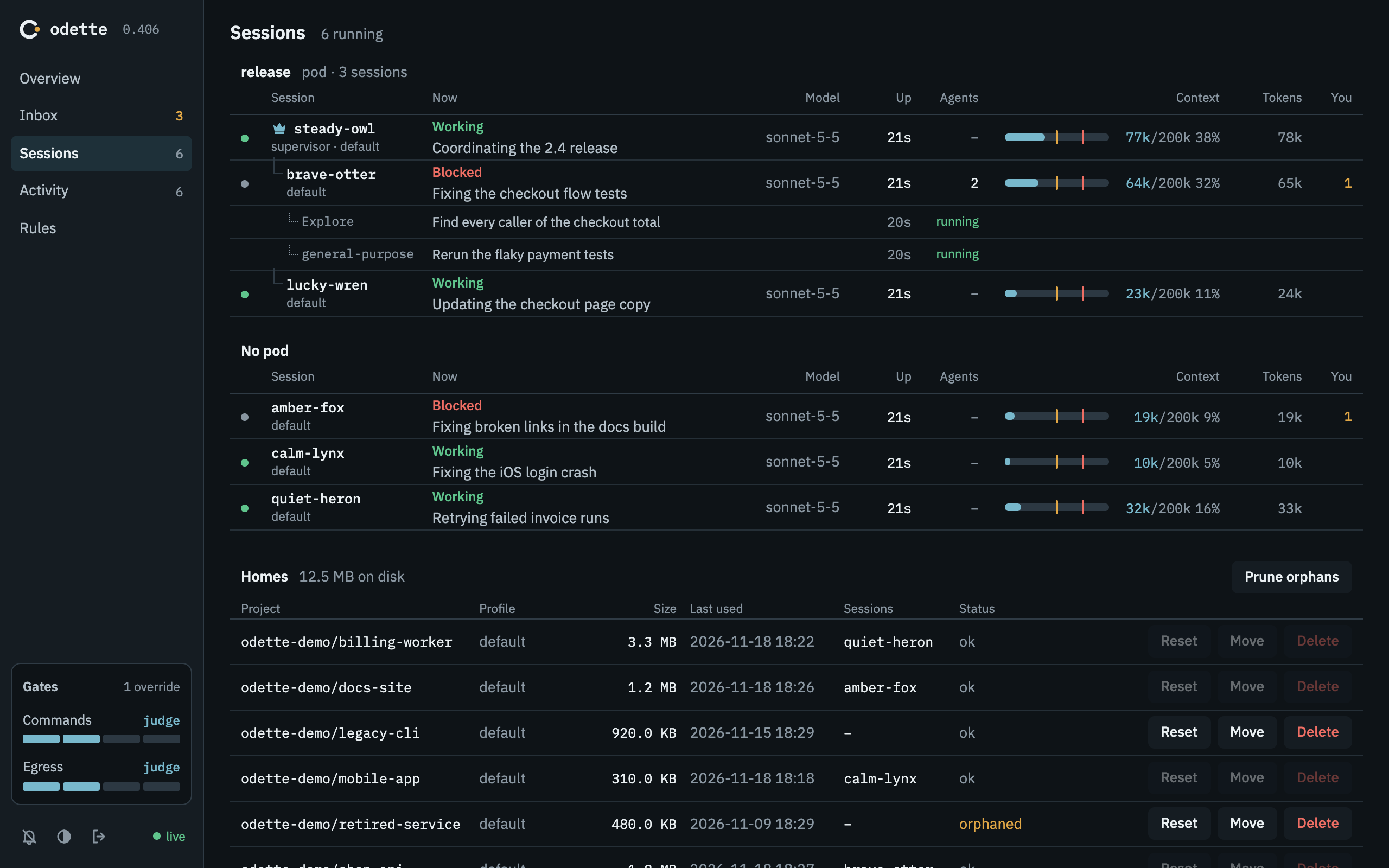
Sessions
Every running session, its model, its context use and its tokens.
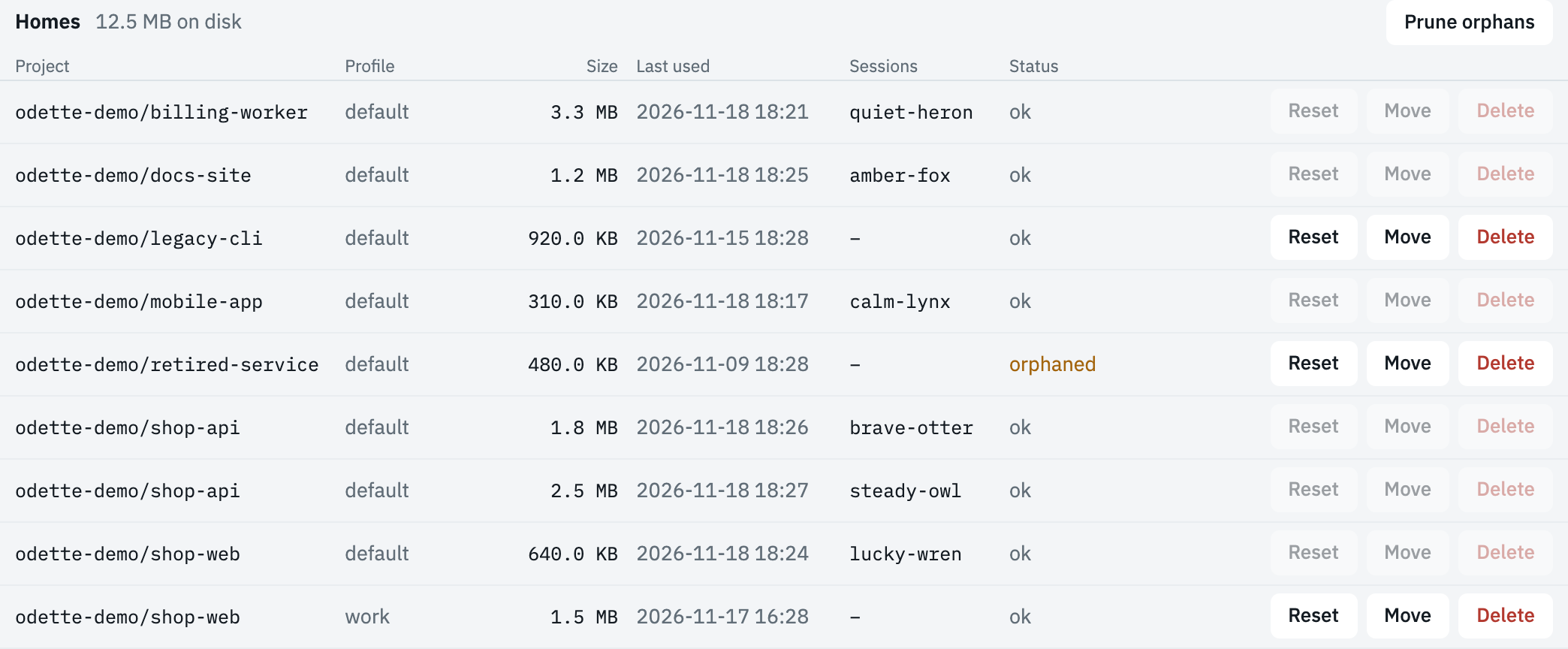
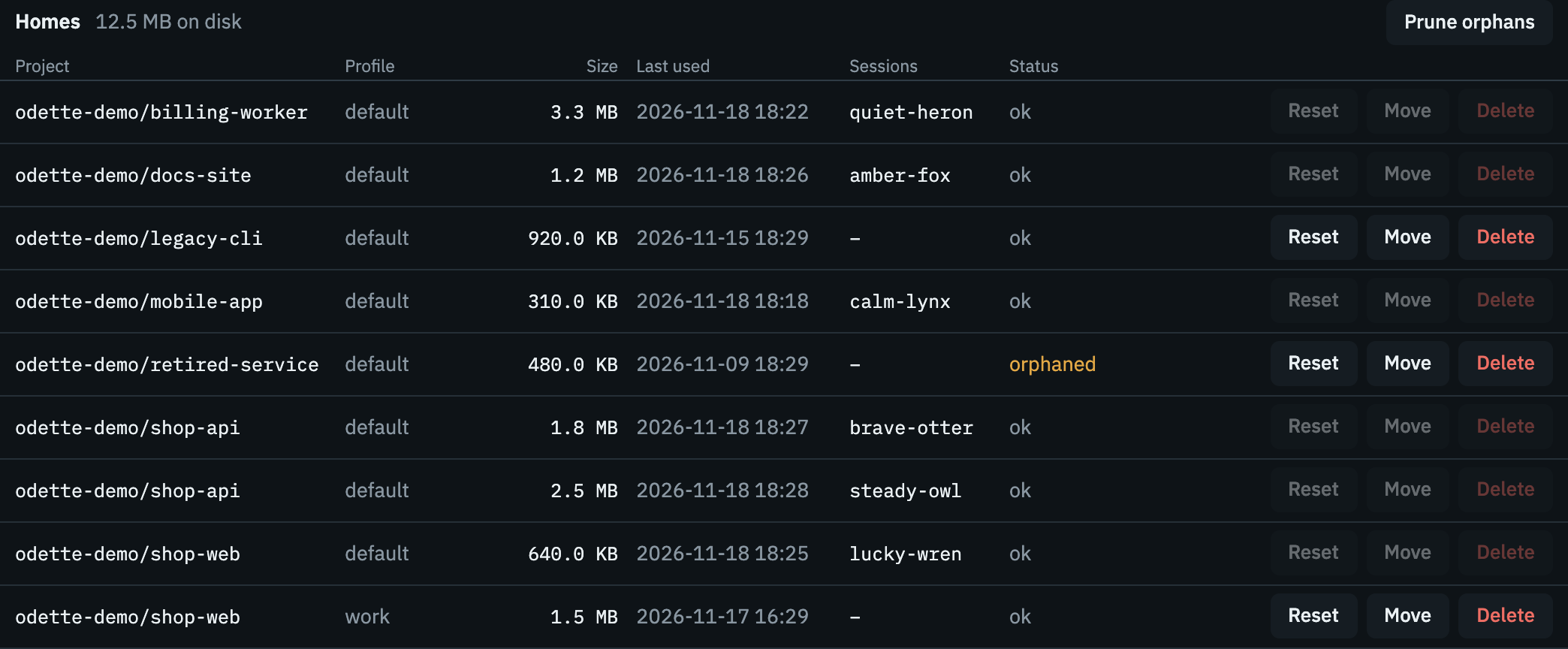
Every Claude home on disk, with its size and last use. Reset, move or delete one, or prune the homes whose project is gone.
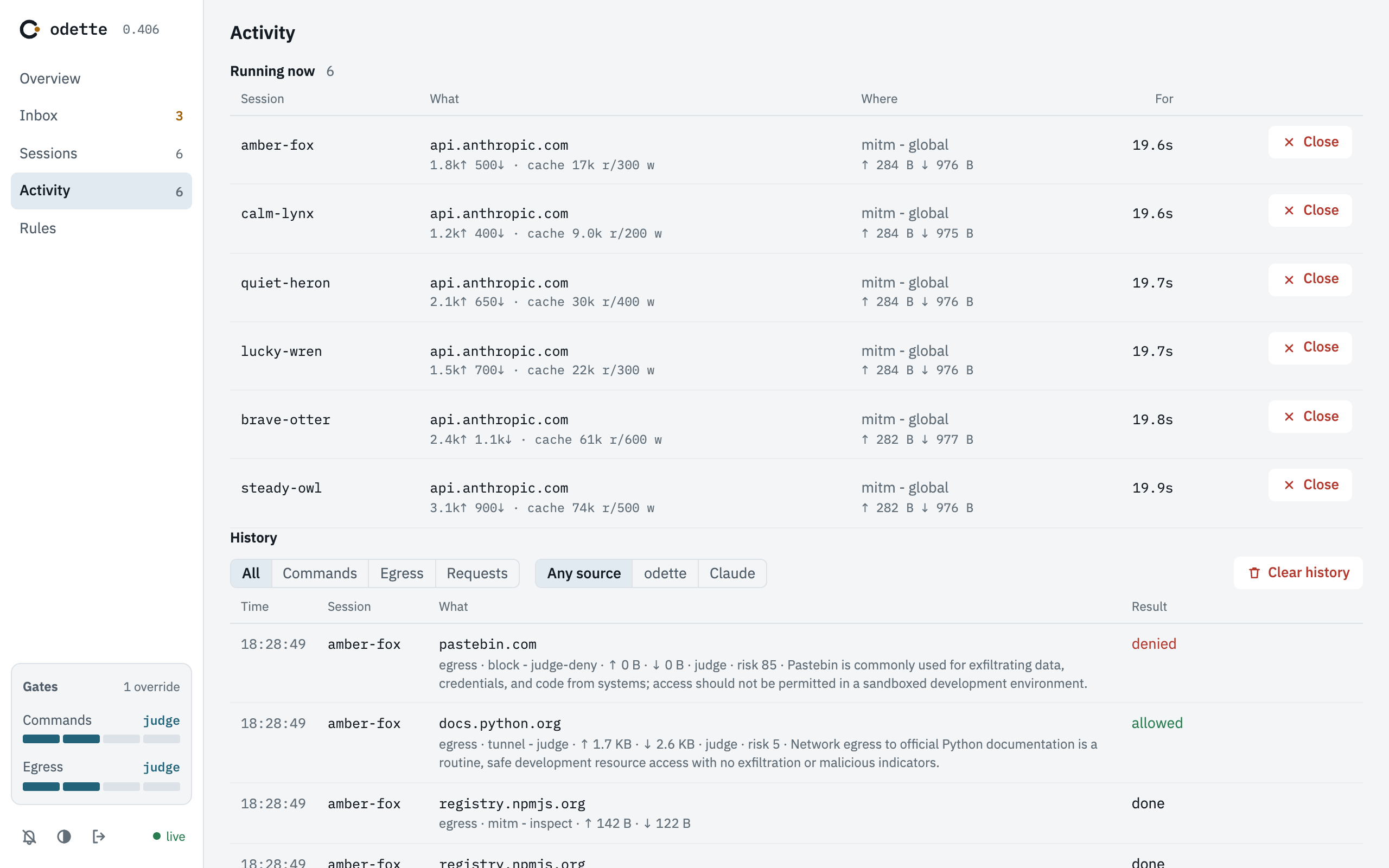
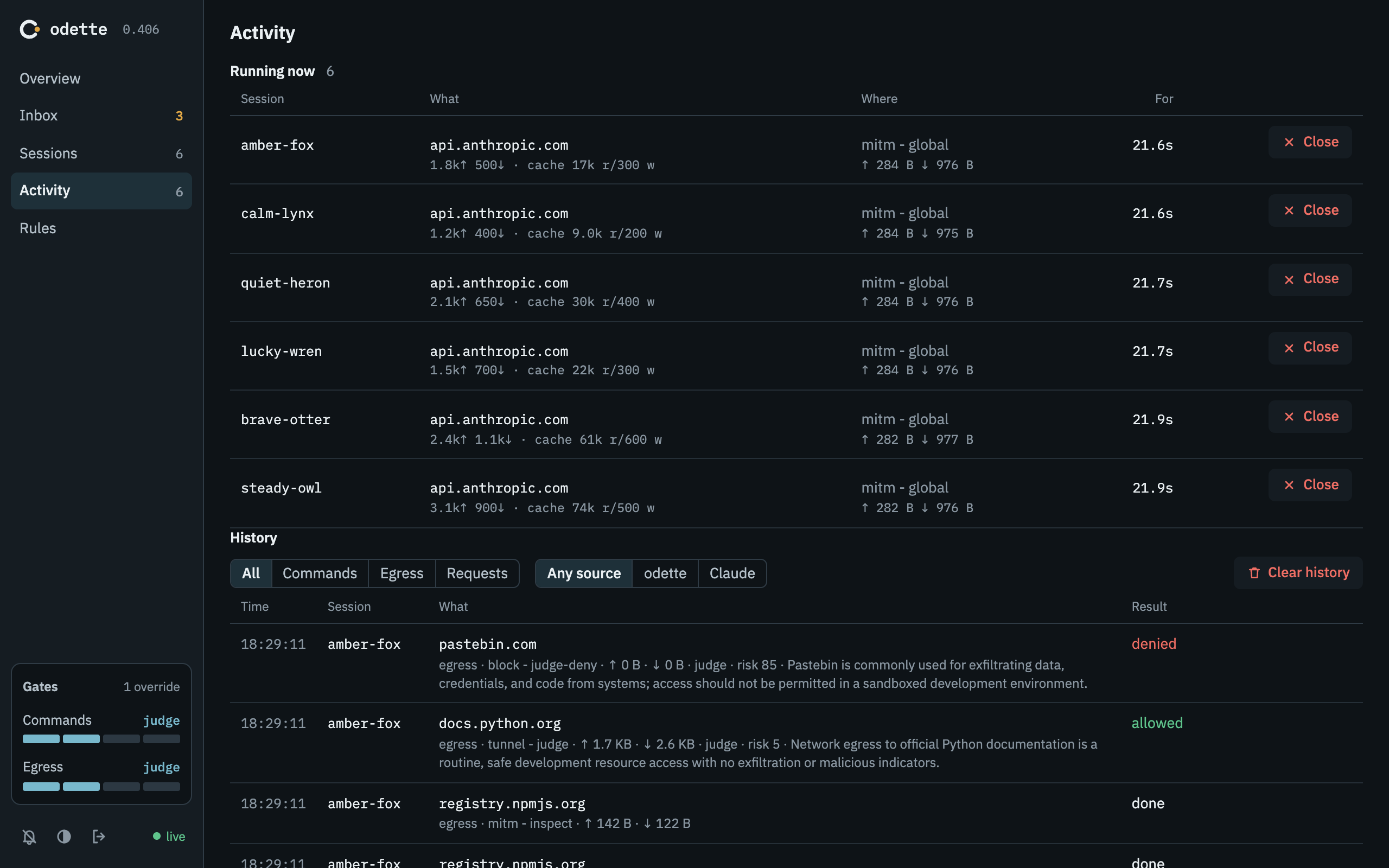
Activity
What is running now, and the history of every command and connection.
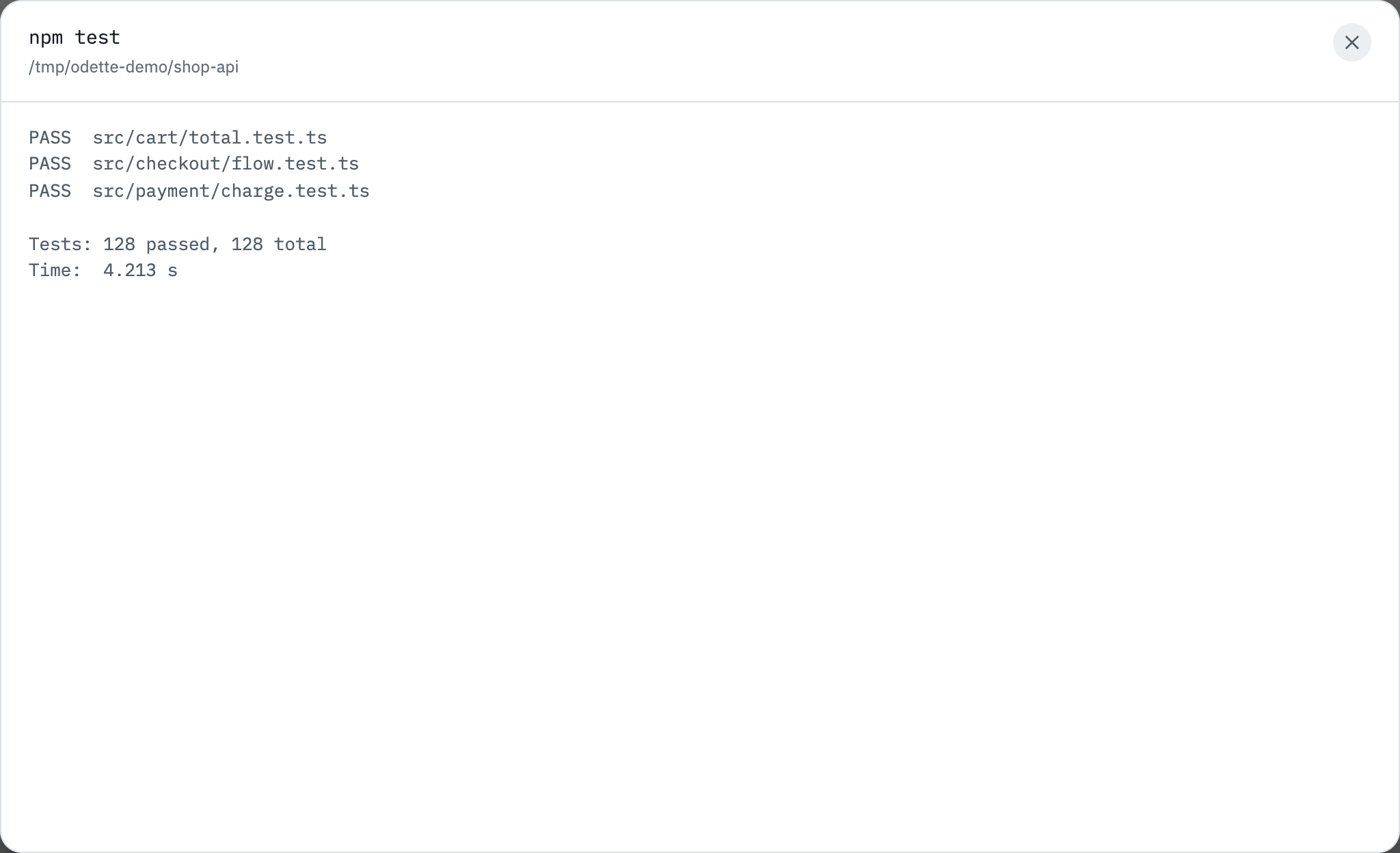
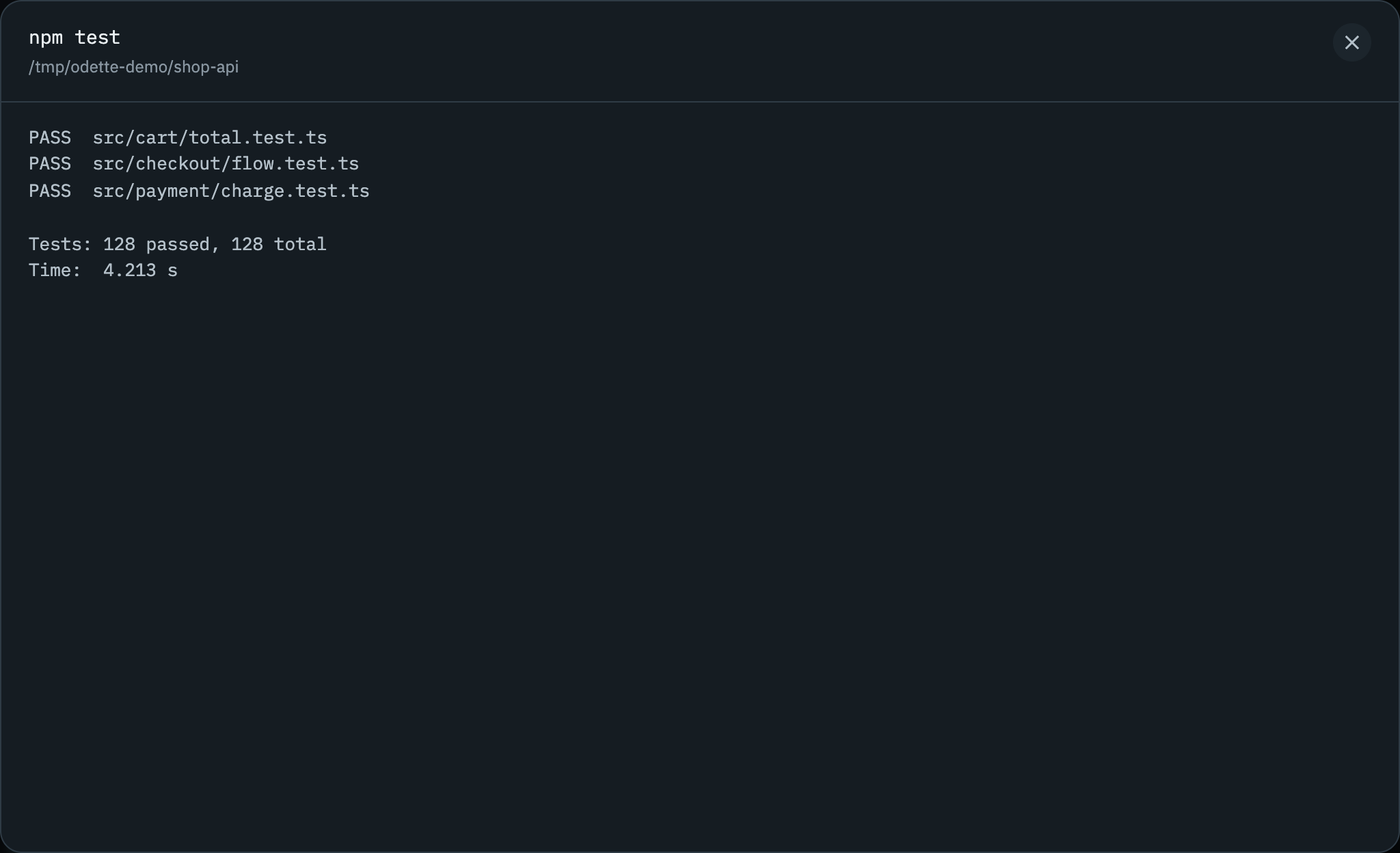
What a command run on your machine printed, saved with its history row.
Each request to a host you chose to inspect: method, address, status, size and time taken.
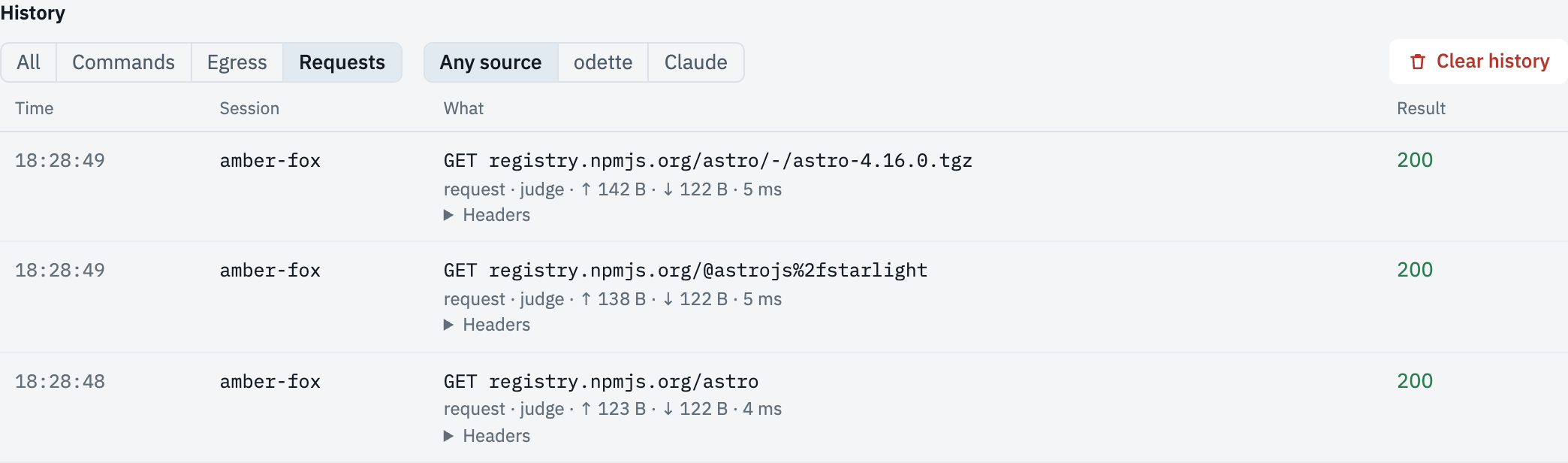
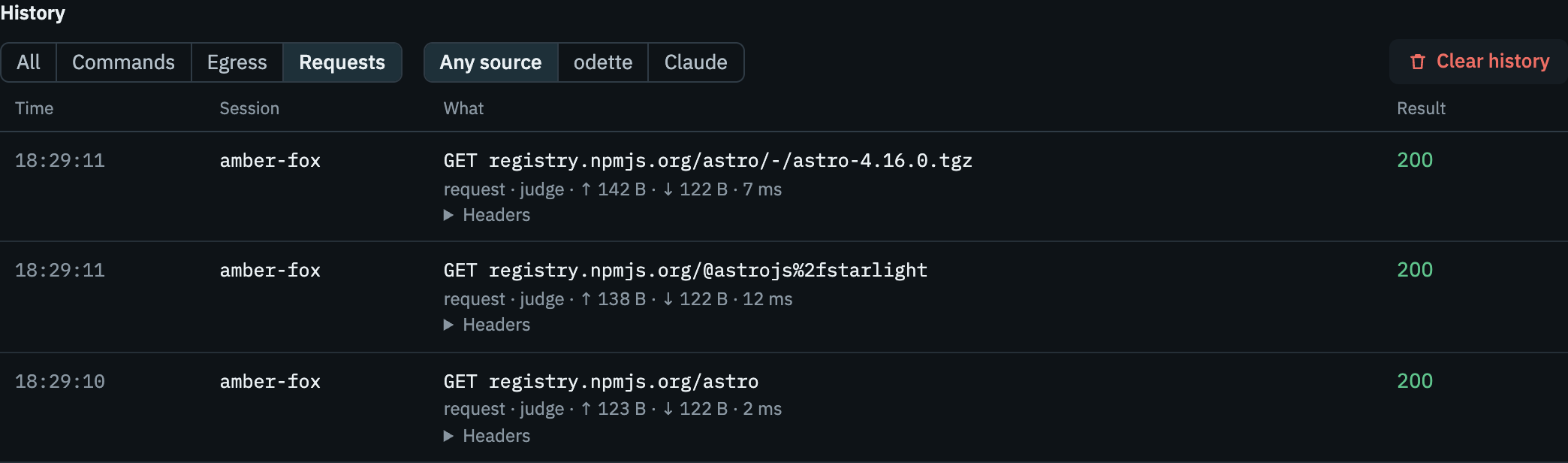
Rules
The hosts and commands you have allowed, denied or chosen to inspect.
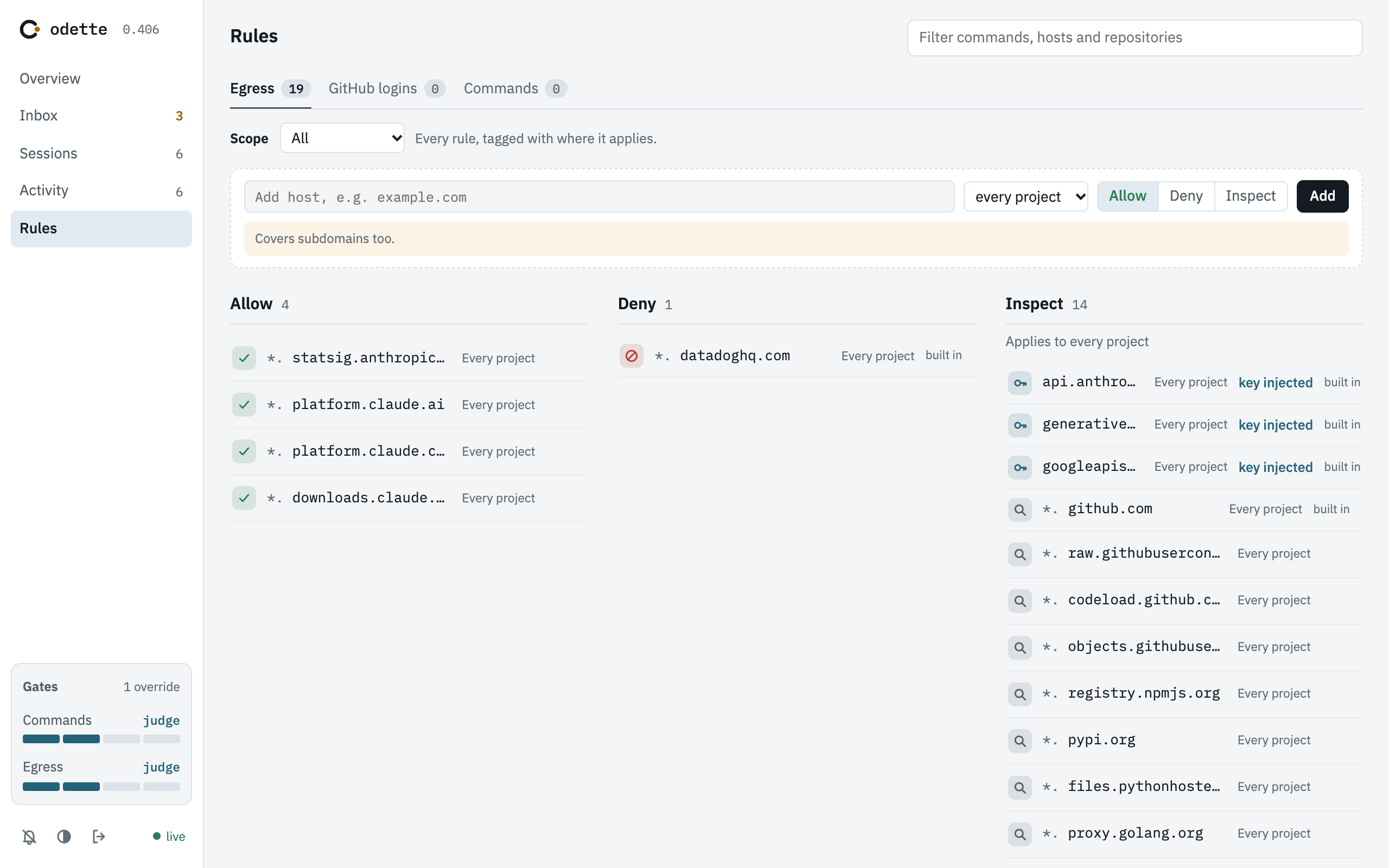
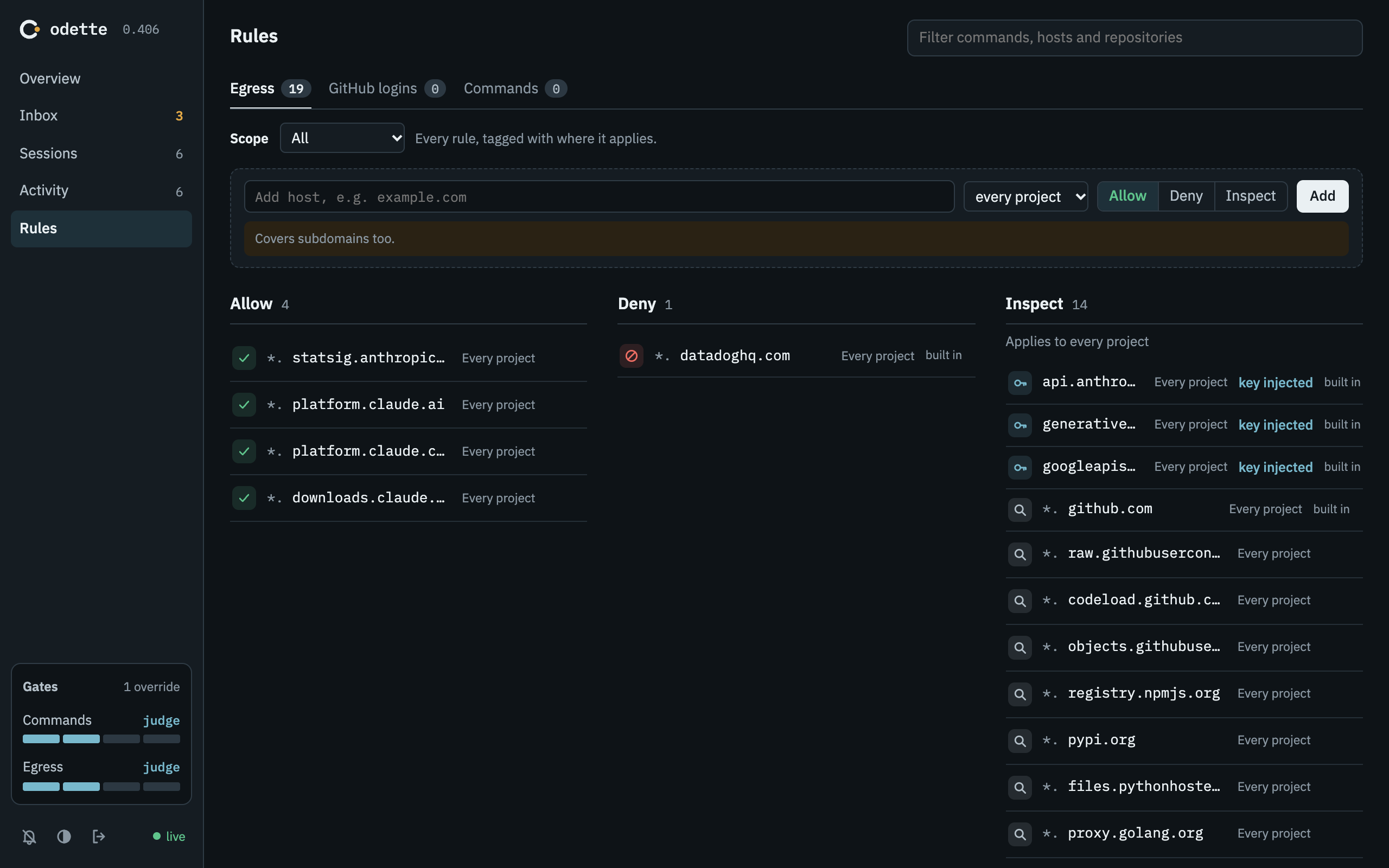
Every option today costs you something
If you run Claude Code today, you're paying for it with your time, your machine or your credentials. Here's what each setup costs you, and what changes with odette.
On your machine
Either you approve every edit and every command, or you pass --dangerously-skip-permissions and the agent can reach everything you can: every file, every credential, every host.
With odette, the agent sees your project folder and nothing else of yours. The questions come at the gates instead of at every step, and you or the judge answer them.
In Claude Code's sandbox
The sandbox limits where commands can write and which domains they reach, and asks you about new ones. But it still runs on your machine, as you, and Claude Code still holds your Claude credentials.
With odette, the agent has no network of its own and never holds your real Claude token. The judge can answer for you, and anything that needs your machine goes through a gate.
In a devcontainer
A firewall allowlist keeps the agent off your machine, but a host that isn't on the list simply fails, and pushing code means copying your credentials into the container.
With odette, a host that isn't on the list waits for you or the judge instead of failing, and your credentials stay home, because git push runs on your machine through the command gate.
You set how much you check
How much you hand to the judge is up to you. The network gate and the command gate each have their own mode, both start in judge, and you can change them from the dashboard or with odette gates, for every session or just one.
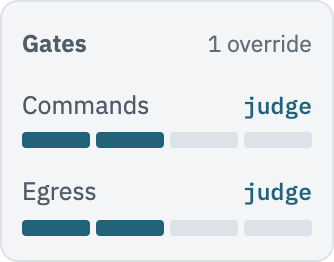
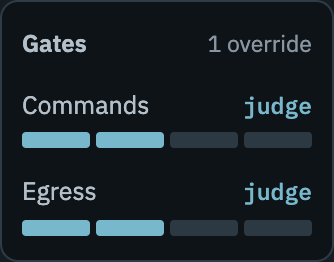
Both dials, in the dashboard.
manualHeld until you allow or deny it.Lowest. You see everything, and agents wait for you.judge defaultThe AI judge allows or denies it. Unsure? It's held for you, with the judge's risk score and reasoning.The judge can allow something you wouldn't have.yolo+judgeThe judge can deny. Unsure? The request is allowed once, without asking you.Anything the judge doesn't flag gets through unattended.yoloAllowed. No checks.The agent can reach any host and run any command on your machine.Each request no rule covers costs one judge call, billed to the Claude subscription or API key the session uses. If the judge can't run, the request simply waits for you.
Some lines hold whatever the mode. A host on a deny list is refused, even in yolo, and a command that could change odette's own settings, gates or credentials always comes to you. You can only allow it once, so you approve it every time it runs.
Run a team of agents. Answer from one screen.
Once one agent works safely, you'll want more. Every session's approvals and questions land in the same dashboard, whatever project it's working on.
Parallel sessions
Put several agents on the same project. Each one gets its own git worktree, so nobody overwrites anybody else's files.
$ odette -wPods
Group sessions into a pod so they can message each other while one supervisor directs the rest. Gate approvals still come to you, never to the supervisor.
$ odette --pod release --role supervisorSeveral accounts
Keep your work and personal Claude logins side by side, and pick a profile for each session. Each profile keeps its own conversation history.
$ odette --profile workAnd when an agent needs you, it doesn't have to stop. It can ask you for a decision with options, or for an action only you can run, and keep working until you reply.
Your machine stays yours
The agent gets exactly what the job needs, and the rest of your machine stays out of its reach.
An agent can
- Read and write your project folder, its Claude home (conversation history and Claude settings) and
~/odette-exchange. - Read the folders you mount, and write to them only if you mount them read-write.
- Reach the hosts that are allowed, plus any you approve.
- Ask odette to run a command on your machine, through the command gate.
An agent cannot
- Open a network connection that doesn't go through odette.
- See the rest of your files, your
~/.ssh, your SSH agent or odette's stored secrets. - See your real Claude token, which odette adds to each request on the way out.
- Change its own allowlist, gate mode or mounted folders.
Every secret odette stores is encrypted with AES-256-GCM under a key derived from your SSH key, and that key only ever lives in memory. The dashboard listens only on your machine, over HTTPS, behind your password. Read the full security model, limits included.
Put it on your next project
You'll need macOS on Apple silicon or Linux, Docker or Apple's container CLI, a Claude Pro or Max subscription or an Anthropic API key, and an SSH key in your ssh-agent. From there, it's three commands.
curl -fsSL https://getodette.io/install.sh | sh
odette setup
cd ~/code/my-project && odette
Private preview: installing needs the gh CLI and access to kaizenize/odette.